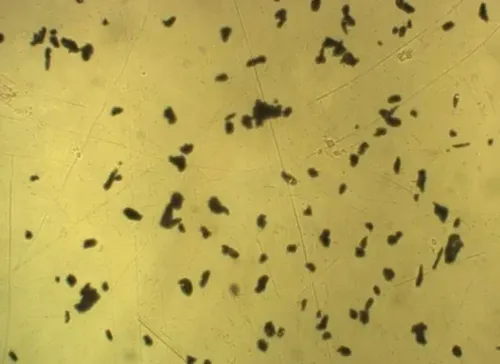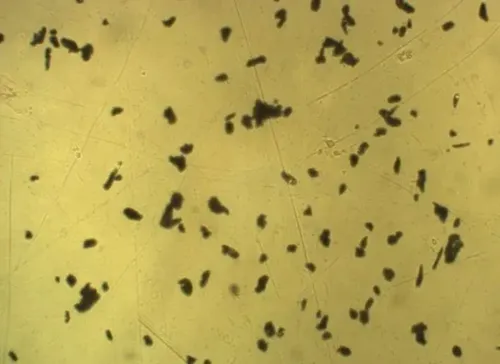

Incorrect grain sizes, zero particle counts and unstable area fractions usually originate in one of six places: specimen preparation, optics, calibration, segmentation, sampling or reporting. A controlled troubleshooting sequence lets you identify the faulty stage, correct it without hiding the evidence and decide when the analyzer needs optical, software or service inspection.
Key takeaways
- Inspect the native image before changing analyzer settings.
- Lock focus, illumination, exposure and magnification before measuring.
- Recalibrate the scale in the same optical setup used for analysis.
- Measure multiple representative fields with the correct metallurgical method.
Start by separating specimen defects from analyzer errors
Determine the source before adjusting the software. Start with the specimen ID, batch number and preparation record, then inspect the original image at native resolution. Scratches, pull-outs, embedded abrasive, stains, contamination, uneven polishing and uneven etching can resemble inclusions, grain boundaries or phase regions.
1. Classify the fault as preparation, acquisition, scale, segmentation, sampling or calculation error. Under-etching leaves boundaries discontinuous; over-etching widens them and merges neighbouring grains. Re-polish and re-etch when a boundary is absent, discontinuous or visibly distorted across the field.
2. Do not move the threshold until the result looks plausible. That only converts poor preparation into a convincing number. Check specimen flatness and the measurement plane, refocus, and reacquire a clean field.
3. Reject the analyzer for surface topography, out-of-focus three-dimensional features, inadequate contrast or a phase boundary that preparation has not revealed. The software cannot recover missing or distorted metallurgical information.
4. Compare the suspect image with a manually reviewed field before repeating the run. Change one factor at a time and record whether the error follows the specimen, field location or instrument.
That opening decision prevents wasted adjustments and provides the diagnostic basis for fixing metallography image analyzer for measurement problems in Pune laboratories.
Stabilise focus, illumination and camera settings before measuring
Lock the image-capture conditions before thresholding: choose an objective that resolves the feature size, flatten the specimen, and focus precisely at the measurement plane. A tilted or defocused surface shifts boundaries, especially at high magnification. Clean the lens and sensor path, check the condenser or coaxial lighting, and confirm uniform illumination before reacquiring the field.
Record these settings for every defensible measurement:
- Objective, adapter, camera binning and image-resolution setting; nominal magnification is not a pixel-to-micrometre calibration.
- Exposure and white balance; saturated pixels erase boundary detail, while underexposure hides weak phase contrast.
- Vibration, dust, unstable mains power, temperature and humidity in the Pune laboratory.
- Native or lossless image files, not JPEGs, because compression can change small-particle areas and weak boundaries.
Compare a reference specimen at the image centre and at additional locations when dimensional accuracy matters. This exposes optical distortion and illumination gradients that a single pixel-scale check misses.
| Check | Failure sign | Action |
|---|---|---|
| Exposure | Clipped highlights or featureless dark regions | Adjust exposure and reacquire |
| Focus | Boundaries move or soften | Flatten specimen and refocus |
| Environment | Result changes between runs | Remove vibration or log power and climate changes |
If resizing changes the result, stop measuring: the pixel representation or software scale has changed. This sequence anchors metallography image analyzer troubleshooting before segmentation begins.
Recheck scale calibration and segmentation in the same optical setup
False grain, inclusion and phase results often begin with a scale mismatch or a segmentation rule that follows image defects. A nominal 20× objective does not prove dimensional accuracy; pixel-to-micrometre conversion belongs to the complete optical setup.
1. Measure a stage micrometer using the exact objective, camera, adapter, binning and resolution setting used for the specimen. Recheck the conversion after every magnification or camera change, then repeat the scale check at multiple image locations when dimensional accuracy matters.
2. Measure a reference specimen after calibration. Optical distortion, uneven illumination, dust, vibration or a tilted specimen can pass one scale check while shifting boundaries elsewhere.
3. Inspect the original grayscale image, binary mask and rejected objects, not only the reported number. Test thresholds against uneven backgrounds, scratches, pull-outs and stains; a threshold that works in one field can count debris in another.
4. Check whether grayscale conversion removes useful colour contrast, colour segmentation selects contamination, or edge detection moves boundaries. Review touching-particle rules: merged particles reduce counts and inflate area, while inconsistent boundary rules bias counts.
Jagged boundaries indicate poor focus, inadequate resolution or an aggressive edge filter. Impossible grain sizes suggest scale or magnification errors; zero counts suggest threshold, colour-channel or minimum-size settings. Record every processing parameter before accepting a change, creating a defensible trail for image analysis measurement errors.
Use representative fields and the correct metallurgical method
Choose fields before viewing the result: use a random or systematic pattern, never only clean or severe regions. Exclude specimen edges unless edge behaviour is being measured. Record field-of-view size, field count, coordinates and the boundary rule, such as excluding every object touching the right or lower edge.
- Inspect 10 representative fields before release, or document a larger number justified by microstructural variation.
- Confirm that the fields contain enough grains, intercepts or particles for a stable result; add fields across clustered, banded or non-uniform regions.
- Compare automated output with manual measurements on the same images, then repeat selected fields or reacquire them to test repeatability.
- Record the manual or reference-method comparison and investigate image analysis measurement errors before changing the reported value.
| Measurement | Correct method | Main control |
|---|---|---|
| Grain size | ASTM E112 or ISO 643 | Use comparison, intercept or planimetric terminology consistently |
| Inclusions | ASTM E45 or ASTM E1245 | Match the standard to the material and task |
| Volume fraction | ASTM E562 | Use systematic point counting |
Do not label area fraction as volume fraction without random representative sampling and suitable stereological assumptions; elongated or clustered features can invalidate that equivalence. A consistent edge rule prevents boundary particles from distorting counts.
Control operator, instrument and laboratory-to-laboratory drift
Prove comparability with a controlled measurement-system review: have operators measure the same reference specimen and retained images using one written recipe. Separate repeatability, where one operator repeats the run, from reproducibility, where different operators, instruments or laboratories repeat it. This is the core of metallography image analyzer troubleshooting.
Set acceptance limits before production work begins:
- calibration drift, focus and illumination checks
- minimum grain or particle size, rejected-object rules and field count
- repeatability and allowable operator agreement
Version-control the recipe, software version, camera settings, calibration factor and image files with calibration metadata. Record specimen ID, batch number, objective, magnification, illumination, exposure, white balance, threshold, segmentation method, field coordinates, analyst and report date.
| Comparison | Controlled test | What disagreement indicates |
|---|---|---|
| Repeatability | One operator repeats the same specimen and retained images on one setup | Instability, focus change, preparation variation or software randomness |
| Reproducibility | Different operators, microscopes or laboratories repeat the same recipe | Operator, optical, environmental, calibration or method bias |
Change one factor at a time and track whether the error follows the specimen, field, operator, camera, microscope or laboratory. Include dust, vibration, mains power and temperature records. ISO/IEC 17025 covers equipment control, method verification, records and competence, preventing software replacement when the fault is optical, electrical, environmental or preparative.
Use a Pune service handover that gets the right fault investigated
Escalate after cleaning and recalibration fail to restore a stable measurement. This is the decision point in fixing metallography image analyzer for measurement problems in Pune laboratories: investigate the failing measurement system before replacing the analyzer.
1. Start remote diagnosis when you can send the native or lossless image, binary mask, report, calibration record, recipe version, software version, instrument configuration, reference-specimen result and a short description of when the fault appears.
2. Escalate when the reference image remains unstable, the stage-micrometer check fails, illumination is non-uniform, the camera saturates, vibration persists or results exceed the written repeatability limit. Record whether the error follows the microscope, camera, lighting path, stage, specimen, field location, operator or local environment.
3. Request onsite inspection when remote checks cannot reproduce the fault or the error follows the instrument or laboratory conditions. Include specimen ID, batch number, objective, camera settings, field locations, analyst name, dust, vibration, mains-power, temperature and humidity observations, plus the exact before-and-after result.
Conation Technologies Pvt. Ltd. can help a Pune laboratory compare cleaning, recalibration, camera, microscope, software and service remedies across its metallography laboratory equipment in Pune. Keep the choice evidence-led: repair the measured fault rather than purchase new equipment by default.
Related products
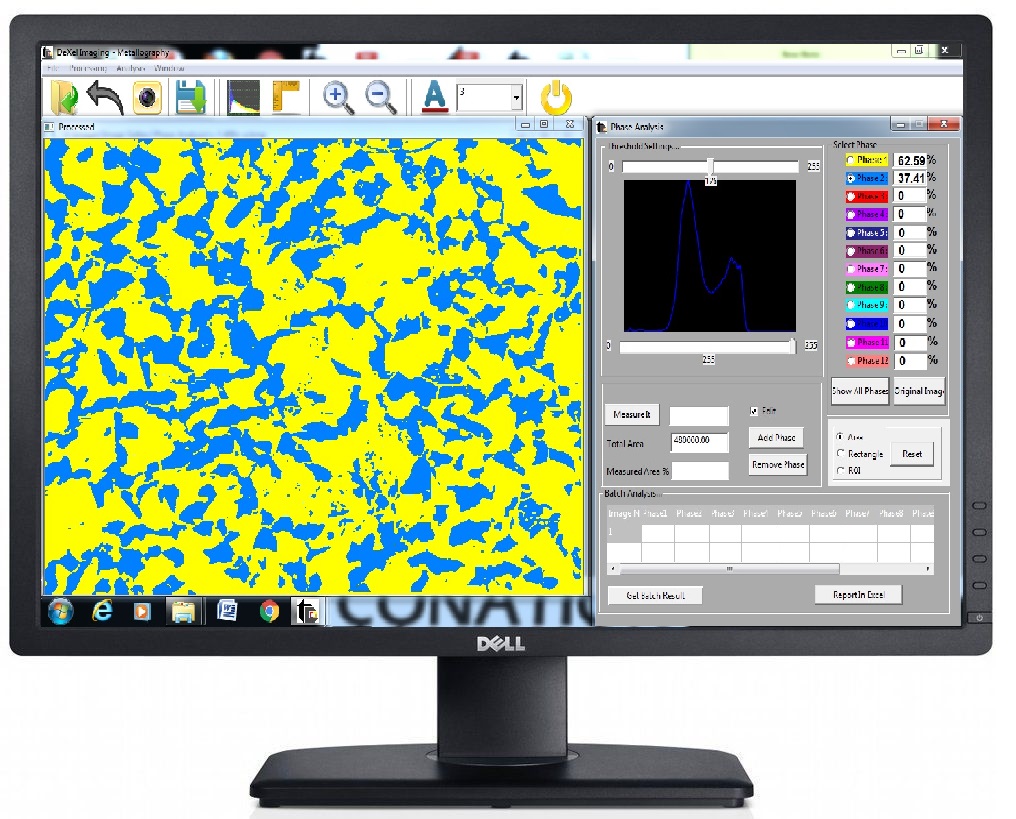 | Image Analyzers Qualification and quantification of microstructural features have always been crux of any metallurgical Analysis. View product → |
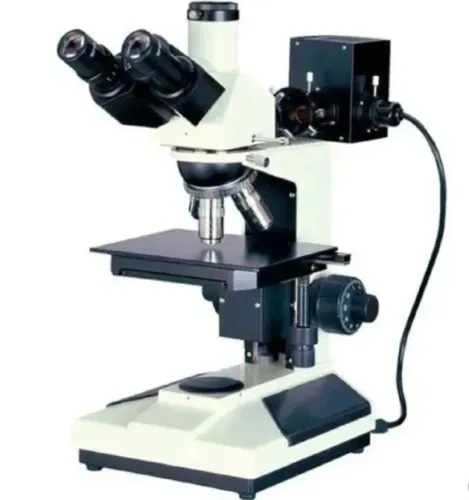
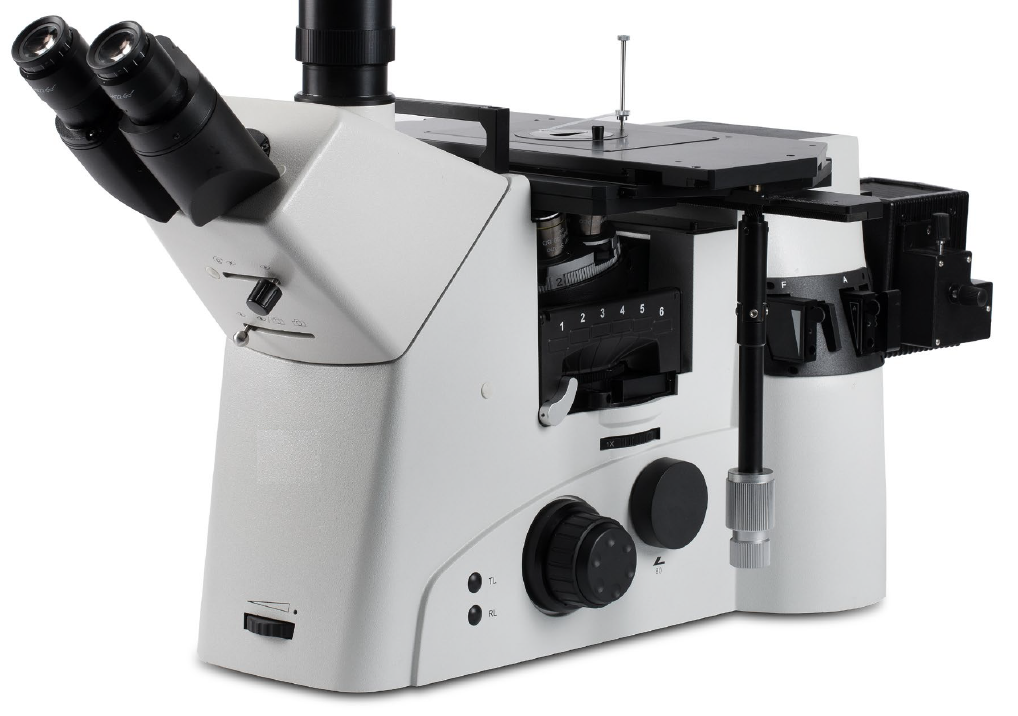 | Metallurgical Microscopes SuXma-Met I IV; Metallurgical Inverted Microscope This is top of the class material microscopes that incorporated semi-apochromat and Apo-chromat objectives. View product → |
Frequently asked questions
How do you separate specimen defects from metallography image analyzer errors?
Check the specimen ID, batch number and preparation record, then inspect the original image at native resolution. Scratches, pull-outs, abrasive, stains, contamination, uneven polishing and uneven etching can resemble inclusions, grain boundaries or phases.
Which settings should you stabilise before measuring?
Fix focus, illumination, magnification, exposure and camera settings before collecting measurements. Changing these settings between fields alters contrast, boundaries and measured areas.
Why must you recheck scale calibration and segmentation?
Verify calibration in the same objective, camera, resolution and optical setup used for analysis. Then inspect segmentation thresholds or boundary rules against the original image to prevent incorrect regions from being measured.
How can a Pune laboratory reduce measurement drift between operators or instruments?
Use the same preparation method, field-selection rule, optical setup, analysis method and reporting format. Compare control images and record changes to operators, instruments, software and laboratory conditions.
Related product
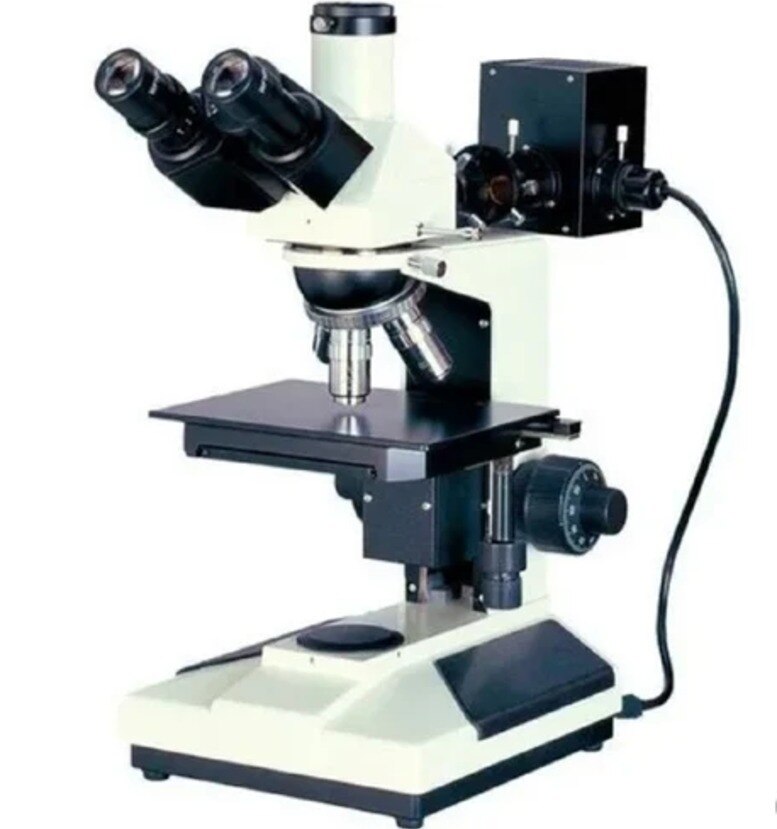
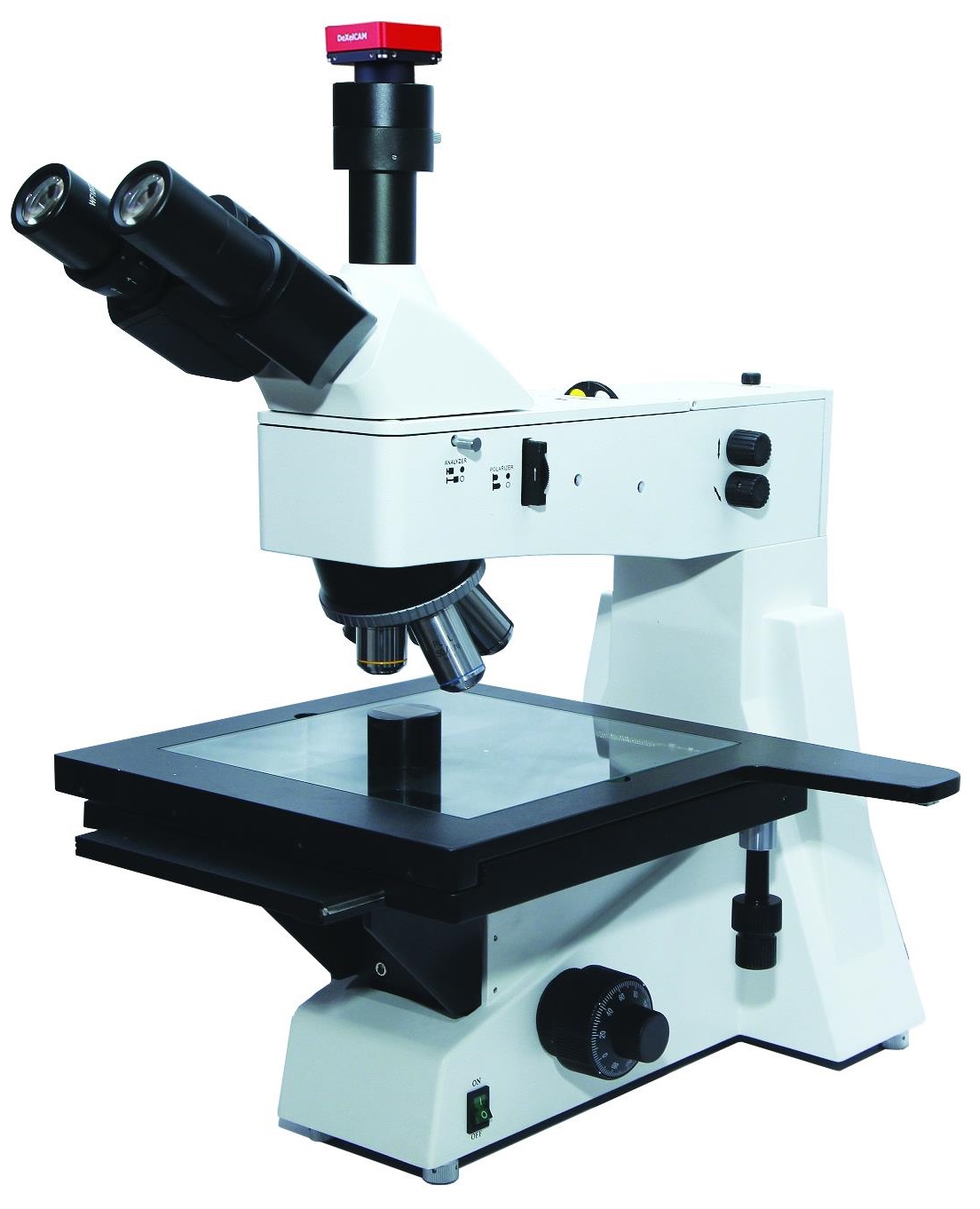 | Metallurgical Microscopes SuXma-Met B/BD; Metallurgical Upright Microscope These microscopes provides superior clarity and sharpness due its infinity optical system and high numercial aperture objectives. View product → |