
A high particle count, missing result, frozen screen, or failed scan does not prove that the analyzer is defective. By separating the fluid path, membrane preparation, optical system, software, and acceptance method, you can identify the fault, test for false results, and decide when service or method support is justified.
Key takeaways
- Record configuration, filter, solvent, bins, scanned area, and detection limit first.
- Repeat a high count with a blank, duplicate filter, and known-clean handling.
- Check extraction, illumination, focus, thresholds, and software before replacing parts.
- Choose Pune support that reviews method evidence, not only instrument symptoms.
Define the method before diagnosing the instrument
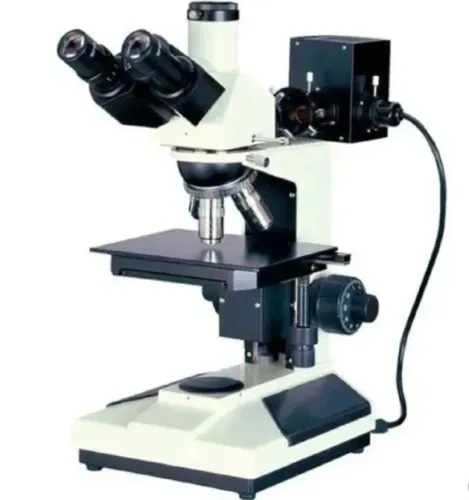
Before calling a Dxel-Filtrate Optical IV problem an instrument fault, record the exact model and configuration, detector type, software version, filter diameter and material, illumination mode, reported basis, particle-size bins, solvent, sample volume, extraction energy and time, scanned filter area, and minimum detectable particle size. These settings determine whether two results are comparable.
Map the controlled workflow in order:
- Component extraction or rinsing
- Filtration
- Membrane preparation
- Optical scanning
- Particle classification
- Result review
- Report approval
Compare the result with the named method and customer limit, not a generic contamination threshold. The drawing, control plan, or customer specification must state the permitted particle count or mass for each size class, reporting basis, and pass/fail rule.
| Framework | What it measures | Why the distinction matters |
|---|---|---|
| ISO 16232 and VDA 19.1 | Automotive-component cleanliness, including extraction, filtration, blank control, analysis, and reporting | Use the controlled component-to-report method |
| ISO 4406 | Hydraulic-fluid cleanliness by a different sampling and reporting basis | Do not substitute it for component cleanliness |
| ISO 11171 | Calibration of automatic liquid particle counters | It does not validate an image-based membrane analyzer |
For particle contamination testing equipment in Pune, retain the extraction recipe, filter lot, raw images, software export, blank result, environmental conditions, and instrument settings. A calibration certificate for a liquid counter cannot prove that this optical membrane method detects and sizes particles correctly.
Use a fault-by-fault startup and software triage sequence
A failed startup, frozen screen, camera alarm, optical warning, or incomplete report needs evidence before intervention. Record the event as Millipore particle analyzer problems: DXel Filtrate Optical IV in Pune, or DXel Filtrate Optical IV problems, only after preserving the instrument record.
1. Photograph the screen and save the error code, software export, method file, instrument settings, and last successful run. These records make a service diagnosis checkable.
2. Check power, emergency-stop release, door and cover interlocks, communication cables, filter loading, stage homing, and completion of the self-test. Do not bypass an interlock.
3. For a freeze, note whether it occurs during login, autofocus, image capture, classification, data export, or report approval. Save the session first, then confirm that raw images remain intact before restarting.
4. Separate fluid-path symptoms from optical or software symptoms. Unstable vacuum, leaks, blocked tubing, valve timing, poor wetting, and carry-over point to the fluid path; focus drift, dirty optics, unstable illumination, camera saturation, threshold settings, and stage-position errors point to the optical or software path.
5. Inspect the optical window, illumination, focus target, filter seating, and membrane surface after a camera or optical alarm. Check bubbles, folds, scratches, glare, and incomplete wetting before replacing the detector.
6. Treat an incomplete report as a data-integrity failure. Verify sample identity, filter area, volume, size bins, analyst approval, audit trail, and export status before releasing or repeating the result.
Prove a high count is real before changing parts
A high count is credible only after a method blank passes the same solvent or process fluid through the same filter material and handling sequence as the sample.
If the blank is high, inspect the solvent, rinse water, filter lot, tweezers, sample container, funnel, tubing, valve, filter support, glassware, and room exposure before blaming the component. Run a solvent blank immediately after a high-count sample to expose carry-over in the fluid path.
- For slow or blocked filtration, check filter loading, membrane compatibility, vacuum level, tubing restrictions, and trapped air.
- For leaks, inspect the holder gasket, clamping surfaces, membrane placement, and cracks in the funnel or tubing.
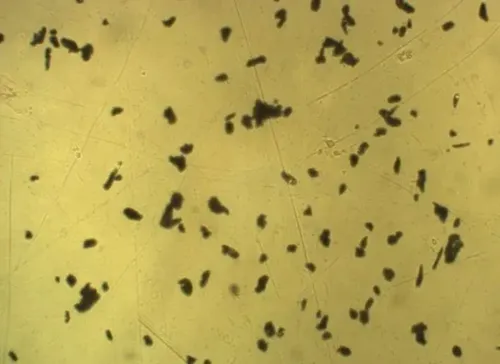
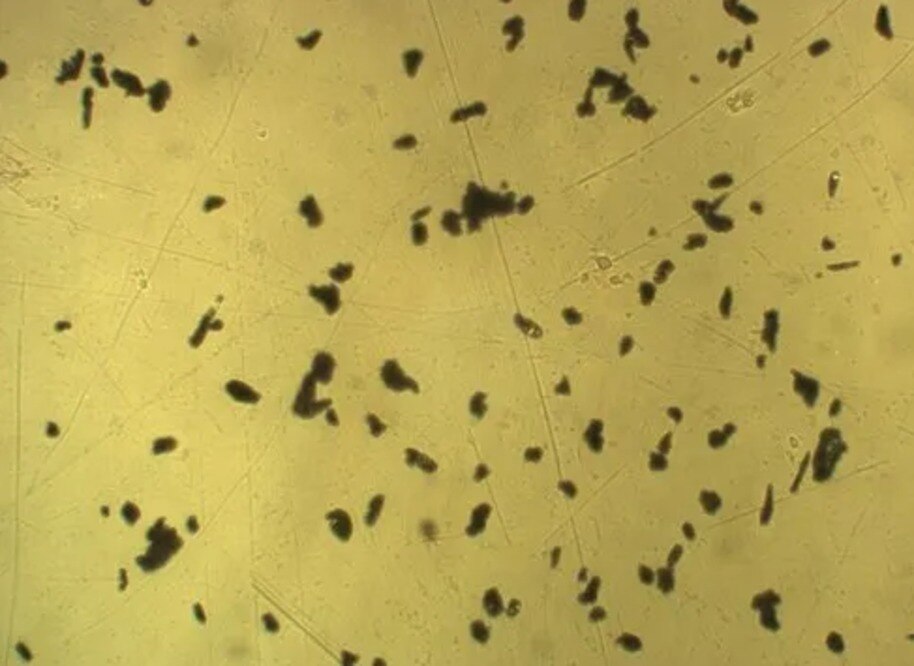
- Under normal instrument illumination, look for folds, scratches, poor wetting, bubbles, edge artefacts, underside dust, and handling-transfer particles.
- Verify rinse volume and complete transfer from both the component and sample vessel.
For Millipore particle analyzer troubleshooting in Pune, separate fluid-path evidence from optical or software evidence:
| Fault area | Check first | What the finding means |
|---|---|---|
| Fluid path | Vacuum, tubing, valve timing, leaks, wetting, carry-over | Filtration or transfer fault |
| Optical/software | Focus, illumination, camera exposure, threshold, stage position | Imaging or classification fault |
Prepare repeat samples from the same component. Compare size-channel trends, blank results, filter images, and scanned area. Do not call a result false until the repeat preparation and blank identify which source introduced the particles.
Investigate low counts, missed particles, and unstable size channels
A low count or sudden size shift is an investigation result, not proof that the instrument is correct or the sample is clean. Confirm optical focus, illumination intensity, camera exposure, threshold settings, stage movement, filter coverage, and the minimum detectable particle size before recalibrating.
Optical instruments report equivalent optical size, not direct physical length or mass. Reflectivity, transparency, colour, shape, refractive index, and orientation can move identical physical particles into different bins.
Check these causes in order:
- Scan a blank filter made with the same solvent, membrane, and handling steps, then compare every size channel with the sample.
- Treat a sudden rise in the smallest channel as optical background, membrane texture, bubbles, edge artefacts, or a dirty optical window until the blank scan disproves it.
- Check particle settling before filtration and agitate the sample using the approved method.
- Confirm the scanned region fully covers the membrane and that particles were not left in the vessel, funnel, tubing, or glassware.
- If particles overlap, filter a smaller aliquot, dilute the sample, analyse multiple fields, or use a larger effective filter area. Document the loading range and sample volume.
| Cause | Diagnostic sign | Corrective check |
|---|---|---|
| Low count | Overlapping particles or excessive loading | Reduce loading and compare separated fields |
| Smallest-channel rise | Background or membrane artefact | Clean optics and compare a blank-filter scan |
| Size instability | Focus, exposure, threshold, or stage error | Verify settings and stage movement |
| Missing particles | Settling or incomplete transfer | Agitate, rinse under control, and verify filter coverage |
These checks address dxel filtrate optical iv problems without assuming a hardware fault. Repeat preparations with controlled extraction and rinse steps before recalibrating.
Choose Pune support by method evidence, not a repair promise
Demand method evidence, not a promise to repair, before approving particle contamination testing equipment in Pune. Require repeatability at your reporting thresholds, blank counts, minimum detectable particle size, maximum particle loading, analysed filter area, verification or calibration interval, raw-image retention, audit-trail capability, and the exact reporting basis.
| Evidence | Ask for | Why it matters |
|---|---|---|
| Method performance | Repeatability, blank counts, detection limit, loading limit, filter area | A headline optical-resolution figure does not prove usable results |
| Traceability | Original images, software exports, sample volume, filter lot, settings, environmental conditions | You can investigate high counts, missed particles, and incomplete reports |
| Verification scope | Separate fluid-path verification from optical verification | A clean lens does not prove that tubing, valves, or the filter holder are clean |
| Reporting control | Size bins, scanned area, extraction recipe, report template, approval history | Results are not comparable when laboratories use different bases |
Technical cleanliness laboratory support in Pune must include method transfer and operator training, not only instrument repair. Set acceptance testing around your component, solvent, filter, extraction apparatus, particle-size bins, and report template; a clean factory reference sample proves little about production work.
Ask Conation Technologies Pvt. Ltd. whether its support covers the complete extraction-to-report workflow and can document the cause of a high count, missed particle, or incomplete report. Compare the proposal with your customer specification, ISO 16232 or VDA 19.1 method, blank-control procedure, and workload.
Require a carry-over check: run a solvent blank after a high-count sample. Reject service closure if the provider cannot preserve the evidence.
Related product
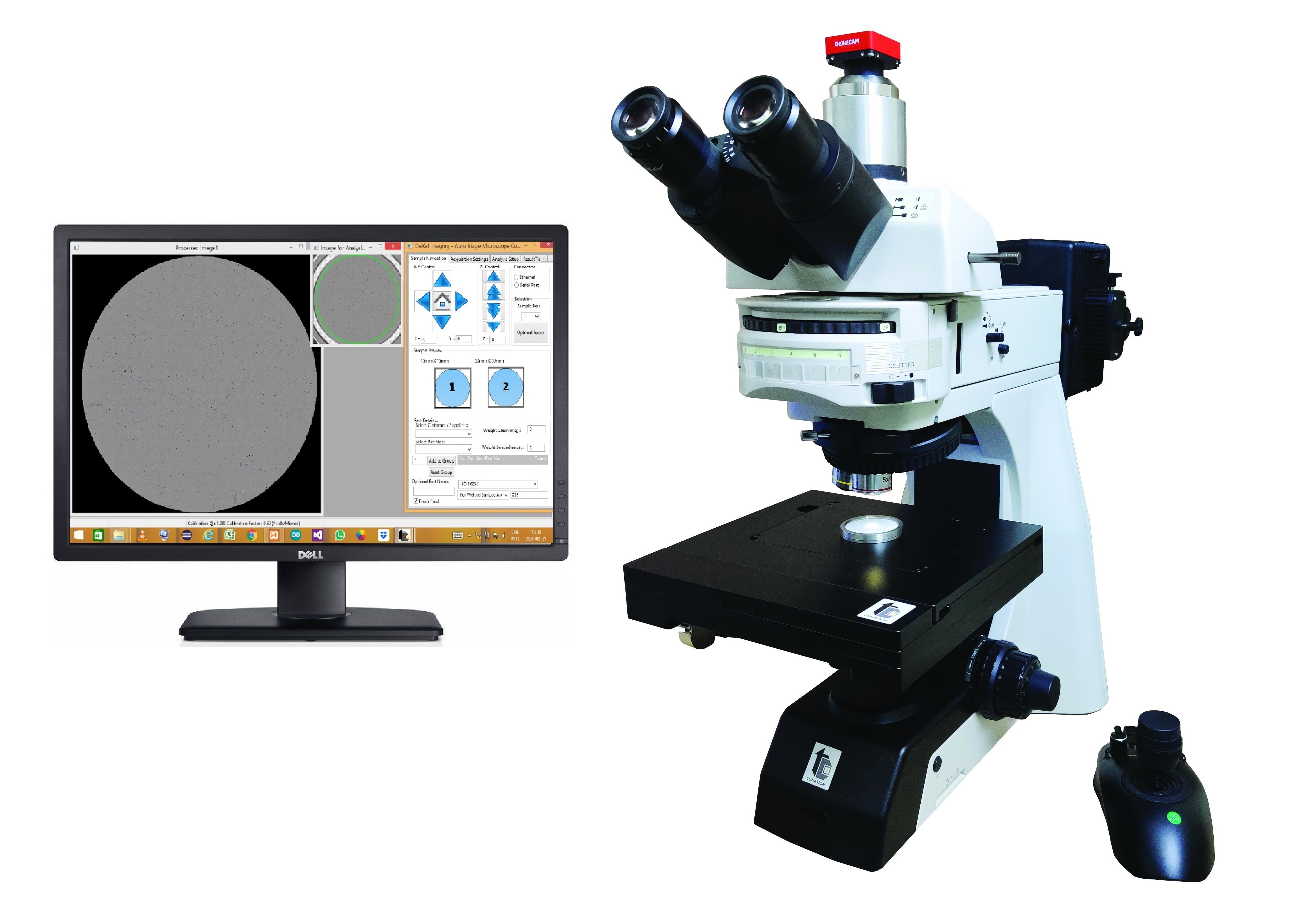 | Cleanliness Particle Analyzers DXel-Filtrate Optical IV; Automatic Particle Analysis System Critical components going into fluid or air circuitry, engine components and some trasmission assemblies are need to free from particle contamination... View product → |
Frequently asked questions
What should you record before diagnosing Dxel Filtrate Optical IV problems?
Record the exact model and configuration, detector, software version, filter diameter and material, illumination mode, reporting basis, particle-size bins, solvent, sample volume, extraction energy and time, scanned filter area, and minimum detectable particle size.
How can you prove that a high particle count is real?
Run a method blank, inspect handling and filtration controls, test a duplicate filter, and compare results against a known-clean sample before changing instrument parts.
Why might the analyzer report low counts or miss particles?
Check filter preparation, extraction efficiency, scanned area, illumination, focus, threshold settings, particle contrast, minimum detectable size, and software classification before concluding that the detector has failed.
How should you choose technical cleanliness support in Pune?
Choose a provider that asks for raw results, method settings, filter images, blanks, duplicate data, calibration records, and fault history before recommending repair.