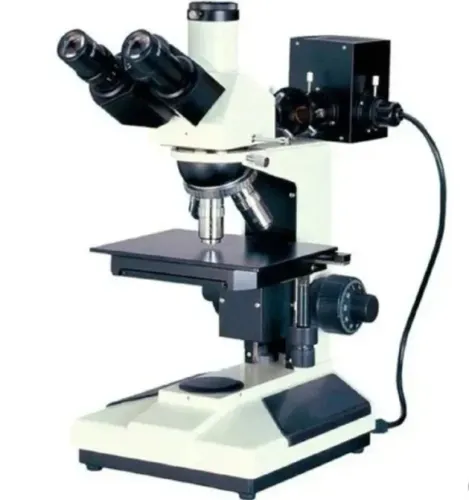

A blank, dim, hazy or blurred field does not automatically mean that the SuXma-Met B/BD microscope needs a new part. By matching the symptom to the optical, illumination, mechanical, camera, software or specimen-preparation subsystem, you can isolate the fault, document it properly and decide whether operator checks, specimen rework or trained service is required.
Key takeaways
- Check the camera path when the eyepiece image is clear but the camera image is poor.
- Clean optics, confirm illumination and reseat camera connections in a fixed order.
- Compare the prepared surface through the eyepiece before blaming the specimen.
- Record model, serial number, symptoms and test results for Bengaluru support.
Match the viewing symptom to the faulty subsystem
A clear eyepiece image with a dark, low-contrast, or uneven camera image points to the camera path, not specimen preparation. Use this symptom map for metallurgical upright microscope troubleshooting:
| Symptom | Likely subsystem | Confirming check |
|---|---|---|
| Blank field | Illumination, beam splitter, camera, or software | Confirm lamp/LED output, select the correct camera, and check the live-image input |
| Dim image or colour cast | Illumination or camera exposure | Compare eyepiece brightness with camera exposure, gain, and white balance |
| Bright crescent or dark corner | Illumination alignment | Centre the source and inspect the field and aperture diaphragms |
| Haze across the whole field | Optics or contamination | Clean the eyepiece and objective front lens; test another objective |
| Vignetting | Optics, C-mount, or camera seating | Reseat the camera and adapter, then compare the eyepiece field |
| Focus changes across the field | Specimen preparation or mechanics | Rotate the specimen; changing focus indicates tilt, relief, or incomplete polishing |
| Focus drift | Mechanics | Check objective engagement, nosepiece movement, stage stability, and focus lock |
| Blur that remains at high magnification | Wrong objective, damaged optics, or specimen surface | Confirm BD, BF, M, or reflected-light markings and test a known-good reference |
A biological objective can blur an unmounted metal surface because its correction may assume a cover glass. Record the exact SuXma-Met B or BD suffix, objective, magnification, illumination mode, camera, and software version before requesting support. Send an uncompressed image, matching eyepiece and camera views, preparation steps, and whether the defect moves with the specimen.
Run the optical, illumination and camera checks in a fixed order
Before changing an objective, lamp, camera or microscope head, isolate the fault in this order: optics, illumination, then camera. Record the exact microscope nameplate and model suffix first; “Suxma Met B” and “Suxma Met BD” are not sufficient identification for compatibility decisions.
1. Check the optics without dismantling anything. Confirm that the intended reflected-light objective is fully engaged and marked BD, BF, M or for reflected light. Clean the eyepiece and objective front lens with approved lens tissue, then inspect the nosepiece, stage and specimen for movement or vibration.
Test focus at low magnification before increasing it; high magnification enlarges blur when numerical aperture or surface finish is inadequate.
2. Check illumination next. Confirm that the lamp or LED is on and that the selected reflected-light mode matches the microscope. Centre the source, then inspect the collector, field diaphragm and aperture diaphragm through the eyepiece without opening the housing.
A bright crescent, dark corner or uneven field points first to centring, diaphragm or beam-splitter alignment, not automatically to the specimen.
3. Check the camera last. Compare the same focused field through the eyepiece and camera at identical illumination. If the eyepiece is clear but the camera is dark or uneven, reseat the camera and C-mount adapter, then verify exposure, gain, connection and acquisition software settings.
For microscope viewing problem support, send an uncompressed image, eyepiece-versus-camera comparison, objective, magnification, illumination mode and software version. Include a known-good sample result and state whether the defect moves with the specimen.
Decide whether the fault is the specimen or the in situ method
A microscope fault affects a known-good reference surface as well as the inspection area; a specimen fault does not. Test both before changing an objective, camera or microscope head.
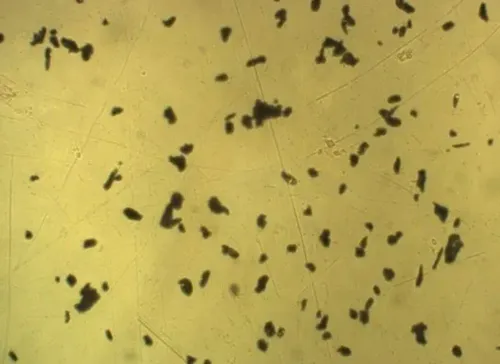
- Prepare a freshly cleaned blank area beside the original field. If the same bright particles, fibres, pits or haze appear there, suspect abrasive carryover, polishing-cloth fibres, skin oil, dried rinse water, etchant crystals, replica adhesive or dust. Retain unused consumables or a process blank when contamination matters.
- Rotate the specimen or scan across the field. Focus that changes across the image indicates tilt, rounded edges or polishing relief; uniform haze points to the objective front lens, illumination or optics.
- Re-polish a small area using the ASTM E3 sequence. Smeared metal, embedded abrasive, over-polishing and incomplete etching can hide cracks or create false inclusions that in situ metallography kit microscopy cannot restore.
- Compare the same field through the eyepiece and camera, then image a known-good reference sample. A defect in both views follows the specimen or optical path; a camera-only defect points to the camera, connection or software.
A replica follows ASTM E1351 but is not direct viewing. It records surface topography, cannot show subsurface features that do not intersect the prepared surface, and must be identified as a replica in the report.
If preparation is sound, the blank is clean and the reference remains poor, the fault belongs to the viewing system rather than the field method.
Choose the right viewing arrangement and prepare a Bengaluru support request
Choose the arrangement by the surface and the evidence you need, not by magnification alone.
| Option | Use it when | Avoid it when |
|---|---|---|
| SuXma-Met B or BD | You need routine reflected-light examination of a prepared metal surface | The problem is limited to camera capture; compare the eyepiece before changing the microscope |
| Inverted microscope | The specimen has a flat, stable face that can sit on the stage and needs underside access | The component cannot be sectioned or placed securely |
| Stereozoom microscope | You need a wide, low-magnification view of scratches, weld geometry or contamination | You need grain-scale resolution or quantitative phase measurement |
| Camera analyser | The eyepiece is sharp and you need repeatable imaging, measurement or documentation | The optical image is already blurred, dark or uneven |
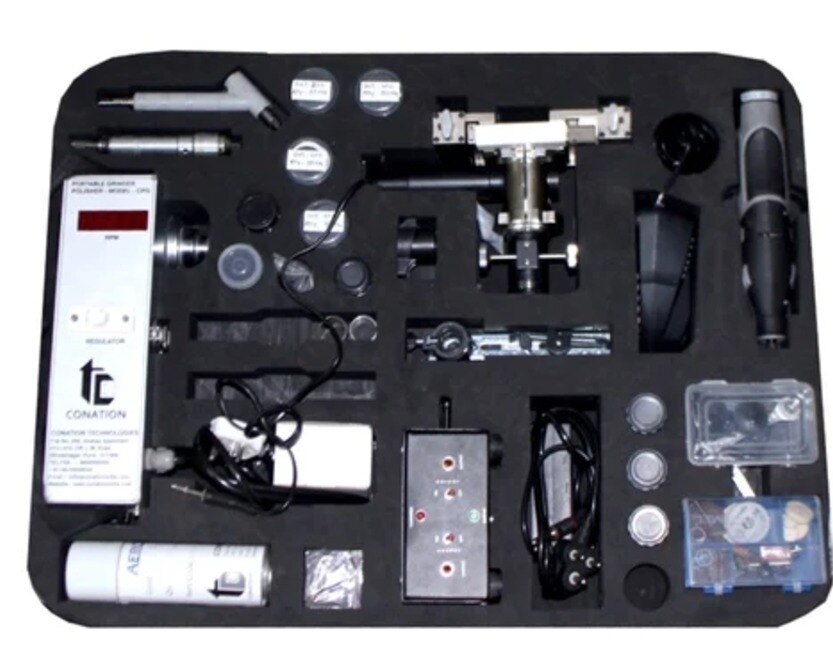
| In situ metallography kit | The component cannot be removed and you will inspect a prepared surface directly or through a replica | You need subsurface information; an ASTM E1351 replica cannot show features below the prepared surface |
For “suxma met b bd image problems in bengaluru”, send Conation Technologies Pvt. Ltd. the exact nameplate, model suffix, illumination type, objective markings, camera model, adapter and software version.
- Attach an uncompressed image and, at identical focus and illumination, the eyepiece view beside the camera view.
- Record magnification, illumination mode, preparation steps, and whether the defect moves with the specimen.
- Include a known-good reference image and state “direct in situ” or “ASTM E1351 replica”.
- Describe the request as “in situ metallography kit for suxma met bd viewing problems in bengaluru” only after identifying the exact suffix.
Related product
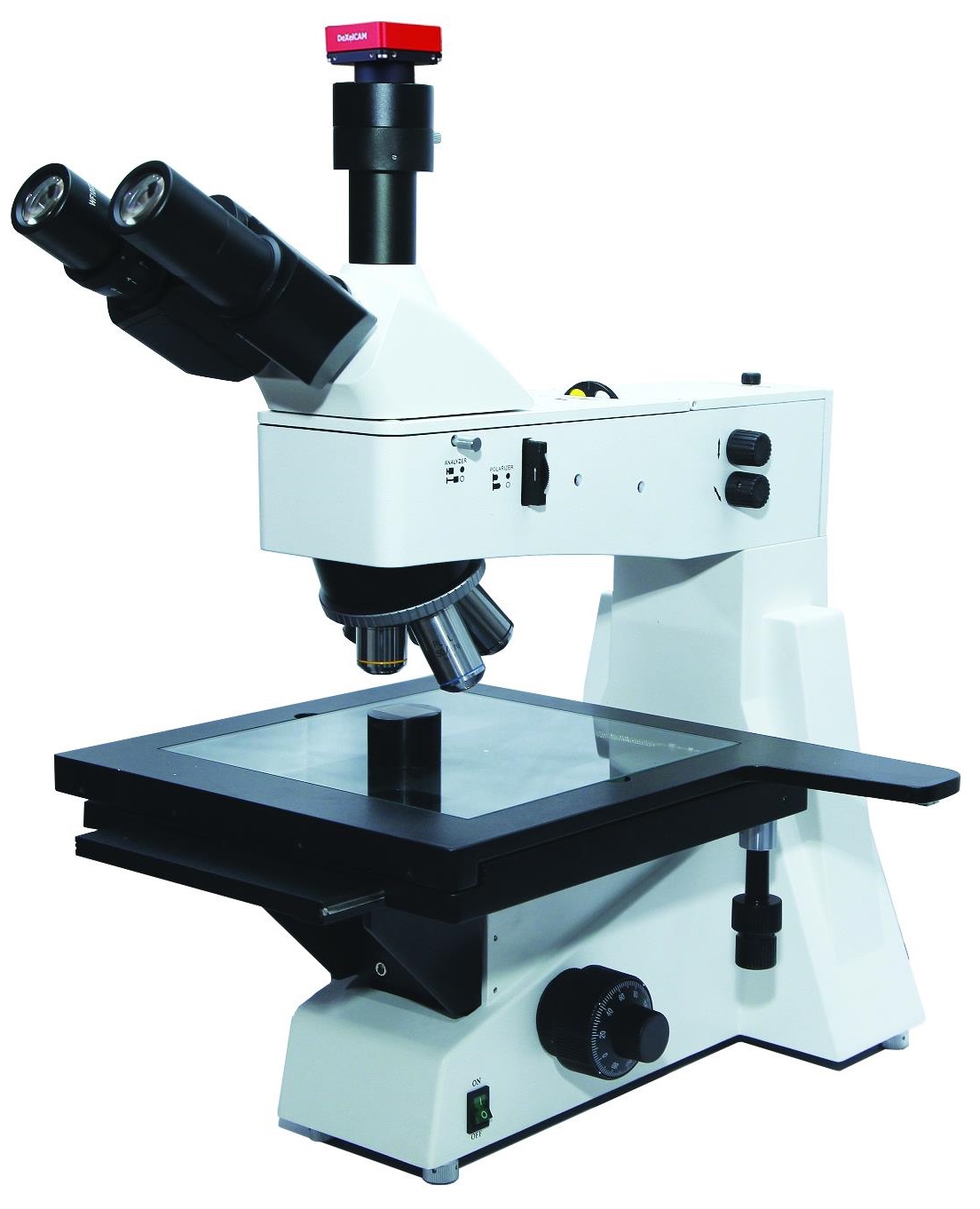 | Metallurgical Microscopes SuXma-Met B/BD; Metallurgical Upright Microscope These microscopes provides superior clarity and sharpness due its infinity optical system and high numercial aperture objectives. View product → |
Escalate safely, account for downtime and verify the repaired system
A blank field after power, cable, aperture, objective engagement and camera-connection checks requires trained service personnel, not repeated part swapping. Do not open a lamp housing, alter optical alignment, dismantle the nosepiece, or bypass electrical protection.
| Fault | Escalate when | Downtime consequence |
|---|---|---|
| Lamp, power or illumination | The source will not start, flickers, overheats, or needs internal alignment | The system remains unsafe or produces unstable brightness |
| Objective, nosepiece or focus drive | Threads bind, an objective will not engage, or focus drifts mechanically | Images cannot be reproduced at the stated magnification |
| Camera, adapter or software | The eyepiece is clear but the camera is blank, distorted, or repeatedly disconnects | Saved evidence may not represent the observed field |
| Stage or microscope head | Motion is loose, blocked, or changes the optical axis | Field location and focus cannot be controlled |
Before releasing the repaired arrangement, test it in this order:
- Record the exact model suffix, objective marking, illumination mode, camera, software version and repair date.
- Inspect and clean optical surfaces, then confirm a reflected-light metallurgical objective; do not substitute a biological objective designed for a cover glass.
- View a known-good reference specimen through the eyepiece and camera. Confirm even illumination, repeatable focus, no haze, vignetting or colour cast, and matching fields.
- Check the scale against a stage micrometer and save an image with magnification and specimen identification.
- Repeat the observation after reconnecting the camera and after a normal operating period.
For field replicas, identify the image as a replica and apply ASTM E1351; direct preparation follows ASTM E3. Release the system only when repeat images support the same reportable conclusion.
Frequently asked questions
How do you identify the cause of a Suxma Met BD viewing problem?
Match the symptom to the subsystem: camera path, optics, illumination, focus, software or specimen preparation.
What order should you use for metallurgical upright microscope troubleshooting?
Check the optical path first, then illumination, camera connections and software settings before changing the specimen.
How can you tell whether the specimen or in situ method is at fault?
Compare the surface through the eyepiece and camera, inspect focus and contrast, and test a known-good area or reference specimen.
What information should you send when requesting microscope viewing problem support in Bengaluru?
Provide the Suxma model, serial number, image symptoms, eyepiece-versus-camera comparison, recent changes and completed checks.